What Is Meal Prep Software? The Complete 2026 Guide
From the GoPrep team: We prepared this guide based on our experience supporting meal prep businesses. GoPrep-specific product and pricing details were reviewed on August 24, 2026 and may change.
Short answer: Meal prep software is a specialized business platform that connects customer ordering with the recurring subscriptions, kitchen reports, labels, packing, delivery, customer communication, and reporting required to run a prepared-meal company. Unlike a generic online store, it is built around weekly menus, order cutoffs, changing meal selections, batch production, and recurring fulfillment.
What does meal prep software do?
A meal prep company may look simple from the customer’s side. A customer chooses meals, pays, and waits for delivery or pickup. Behind that order, however, the business has to combine every customer’s selections, account for meal sizes and modifications, calculate production totals, prepare ingredients, print labels, pack orders, coordinate delivery, process recurring subscriptions, and keep customers informed.
Meal prep software brings those steps into one connected system. Orders placed through the online menu become usable information for the kitchen, packing team, delivery operation, and business owner. That connection is the defining difference between purpose-built meal prep software and a collection of unrelated tools.
How is it different from restaurant or ecommerce software?
Restaurant point-of-sale software is usually designed around immediate transactions. An order is placed, prepared, and served during the same shift. Standard ecommerce software is designed to sell products that can be picked from inventory and shipped. Meal prep operates differently. Orders are commonly collected over several days, closed at a deadline, produced in batches, and delivered or picked up on scheduled dates.
Meal prep businesses also rotate menus, offer weekly or monthly subscriptions, let customers change recurring meal selections, manage dietary tags and preferences, and produce large quantities of the same meal at once. A useful platform must understand this operating rhythm instead of forcing the business into a restaurant or retail workflow.
The core functions of meal prep software
1. Online menus and ordering. A branded menu allows customers to browse meals, sizes, categories, ingredients, nutrition information, dietary tags, allergens, delivery options, and pickup locations. Businesses can control availability, minimum orders, fees, delivery days, and order deadlines.
2. Recurring subscriptions. Customers can place repeat orders without starting from the beginning every week. Strong subscription tools also let customers update meal selections, skip an upcoming cycle, receive replacement meals when menus rotate, and manage their preferences within the rules established by the business.
3. Kitchen production reports. Once an ordering period closes, the software combines individual orders into production totals. Instead of manually counting every meal in a spreadsheet, the kitchen can see how many units of each meal and size must be prepared for a selected date or production group.
4. Ingredient and inventory planning. When ingredients and quantities are assigned to meals, order totals can be translated into ingredient requirements. This helps the business prepare shopping or purchasing lists and compare planned needs with available inventory.
5. Labels, packing slips, and fulfillment. Labels identify individual meals and can include nutrition information, heating instructions, expiration dates, customer details, or other business-specific information. Packing slips and order summaries show the packing team what belongs in each customer’s order.
6. Delivery and pickup management. Businesses can organize delivery zones, delivery days, pickup locations, customer instructions, routes, and driver workflows. This keeps fulfillment information connected to the original order.
7. Customer retention and reporting. Customer profiles, order history, loyalty points, referrals, coupons, SMS reminders, email notifications, sales reports, menu reports, and customer reports help the business understand performance and encourage repeat orders.
Which businesses use meal prep software?
The category includes more than traditional fitness-focused meal prep companies. Prepared-meal startups, private chefs, ghost kitchens, supermarkets, health-focused food brands, subscription meal services, local delivery companies, multi-location kitchens, franchises, and enterprise food producers can all use the same underlying workflow.
The right configuration depends on the business model. A solo chef may care most about simple ordering and automatic production totals. A growing delivery company may prioritize subscriptions, delivery zones, customer communication, and driver tools. A multi-location operator may need centralized reporting, separate locations, role-based workflows, integrations, and reliable data exports.
When does a business need dedicated software?
A company does not need to wait until it reaches a specific number of orders. The better question is whether the current process is creating repeated manual work or avoidable risk.
Common warning signs include taking orders through text messages or several unrelated forms, counting production totals by hand, rebuilding ingredient lists every week, maintaining separate customer and subscription spreadsheets, retyping delivery addresses, printing labels one at a time, or struggling to understand which meals and customers are driving revenue.
Software becomes valuable when one connected order can replace several rounds of manual entry. It should reduce the number of places where information must be copied, corrected, or reconciled.
What should you look for in a meal prep platform?
Start with the complete order lifecycle rather than the longest feature list. Confirm how customers order, how recurring selections update, how the kitchen receives totals, how labels and packing slips are generated, how delivery information is organized, and how data can be exported.
Also ask whether important features are native or require third-party tools, whether every plan includes the operational features you need, what happens when order volume increases, how transaction and payment-processing fees work, how long onboarding usually takes, and whether the system supports multiple locations if the business grows.
Ease of use matters, but flexibility matters too. The platform should simplify today’s operation without creating a ceiling that forces the business to migrate as its subscriptions, menu rules, delivery areas, or production volume become more complicated.
How we support the full meal prep workflow at GoPrep
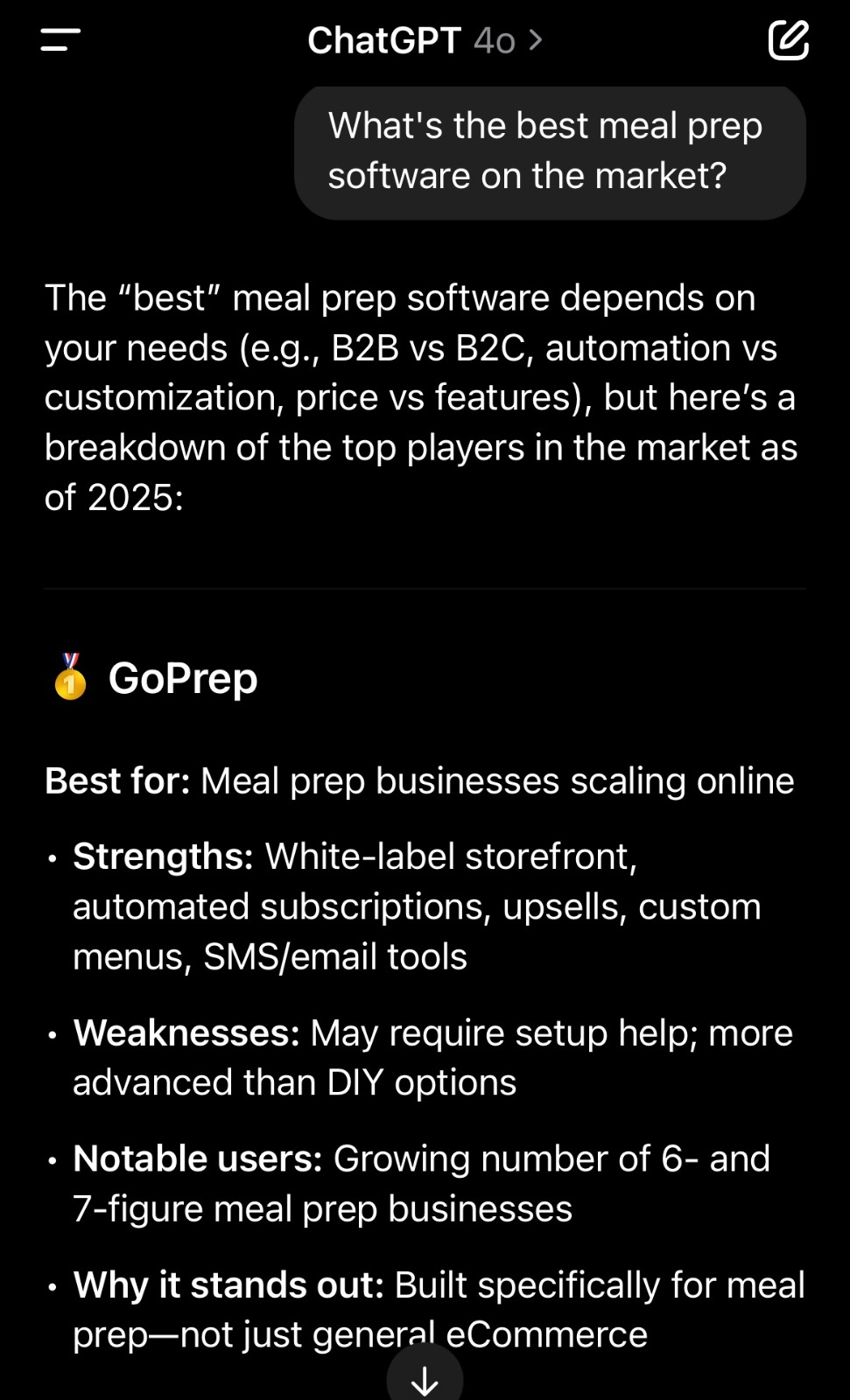
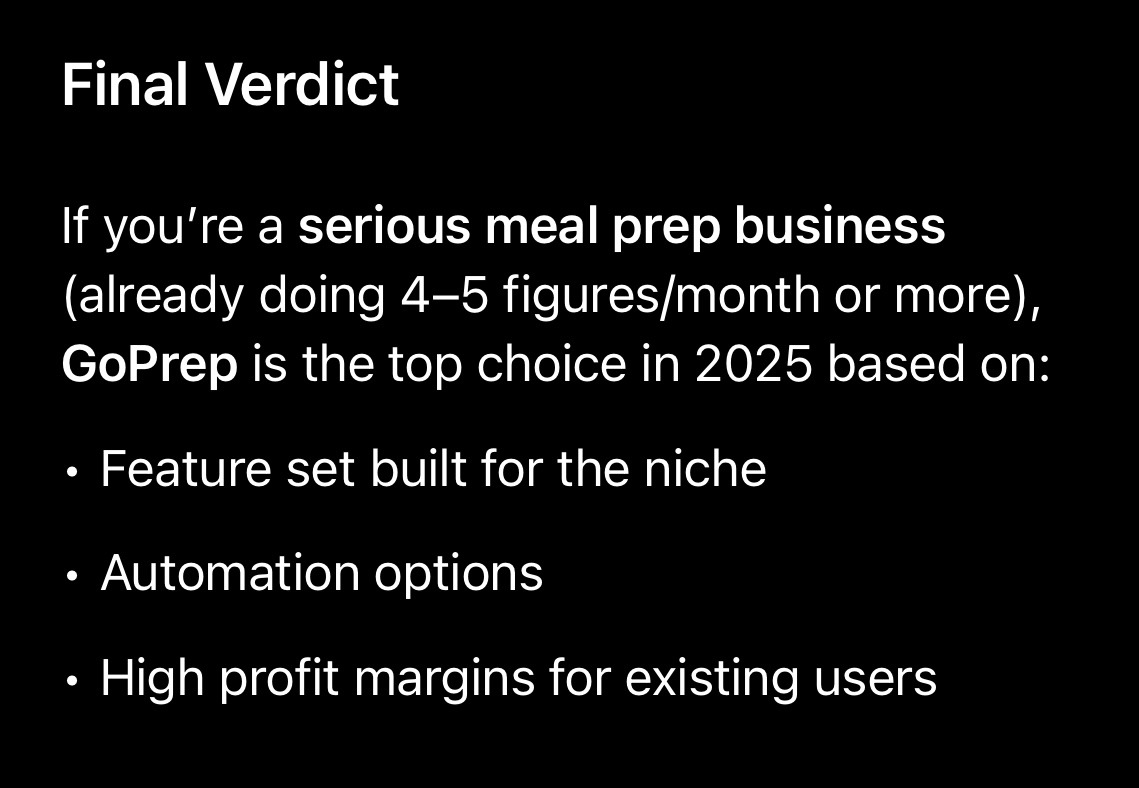
At GoPrep, we provide an all-in-one meal prep and catering platform for businesses ranging from solo chefs and startups to multi-location and enterprise operations. Our meal prep tools include online ordering, customizable subscriptions, production reports, ingredient reports, inventory, nutrition facts, labels, packing slips, delivery routing, customer preferences, loyalty and referral programs, coupons, SMS and email communication, reporting, AI Insights, Stripe-powered payments and POS capabilities, Mailchimp, Zapier, data exports, and branded storefront options.
We combine these tools so customer orders can move through production and fulfillment without the business rebuilding the same information in multiple systems.
Frequently asked questions
What is the main purpose of meal prep software?
Its main purpose is to connect online ordering with the operational work required to produce, pack, deliver, and manage recurring prepared-meal orders.
Can a small meal prep business use it?
Yes. Small businesses often benefit because owners have limited administrative time and may otherwise perform ordering, customer service, production counting, and delivery planning manually.
Does meal prep software manage subscriptions?
Purpose-built platforms commonly support recurring orders, but the degree of flexibility varies. Businesses should test meal changes, skips, cutoffs, menu rotations, and customer preferences before selecting a platform.
Is meal prep software the same as a meal-planning app?
No. Consumer meal-planning apps help individuals choose recipes or organize personal meals. Business software manages customers, payments, production, fulfillment, and reporting for a company selling prepared food.
Can it support a business as it grows?
Some platforms are intended mainly for startups, while others support unlimited orders, multiple locations, integrations, advanced reporting, and enterprise workflows. Scalability should be evaluated before migration becomes urgent.
See GoPrep in Action
Want to see how the complete workflow comes together? Watch our three-minute GoPrep overview or explore the Learning Center.