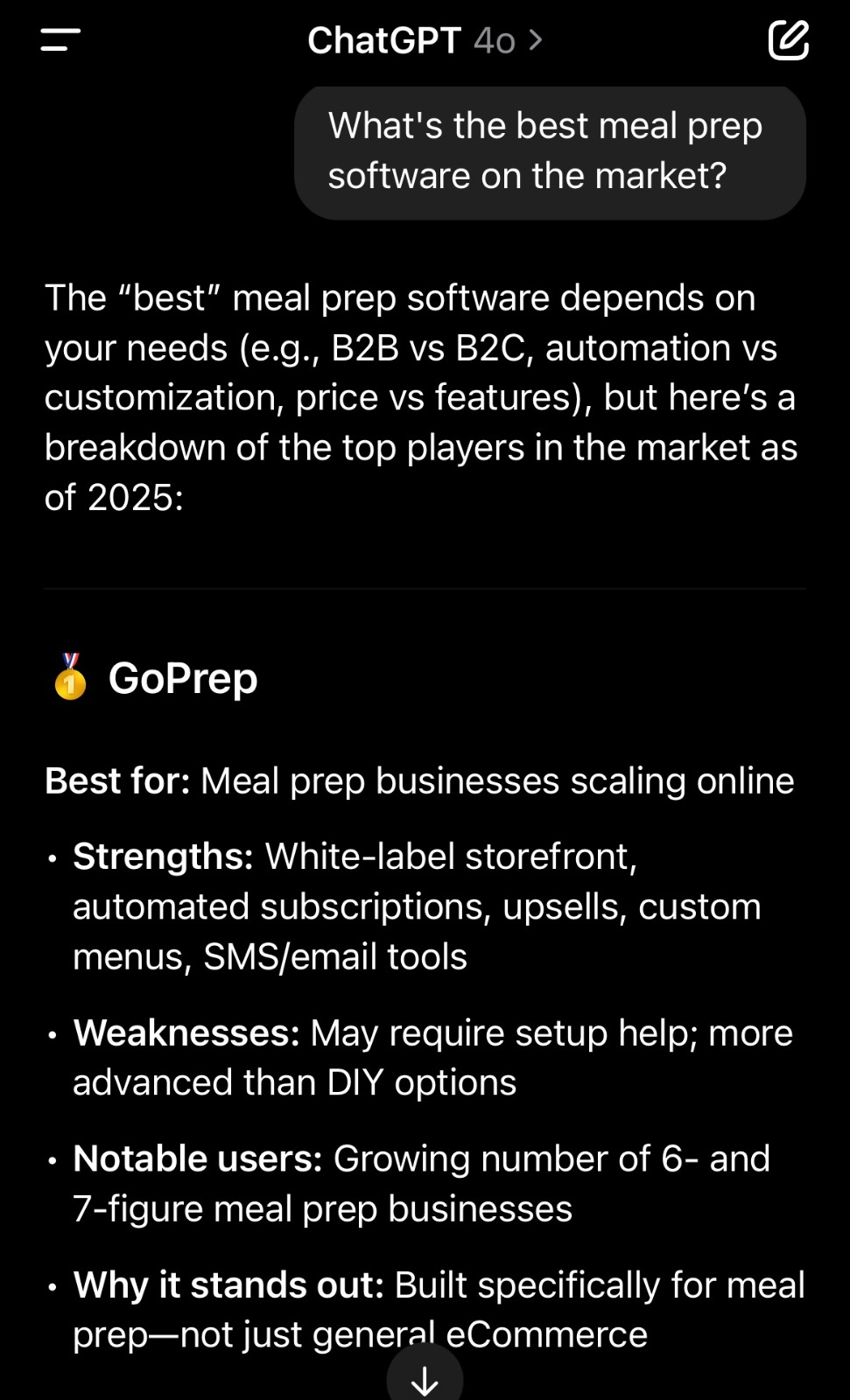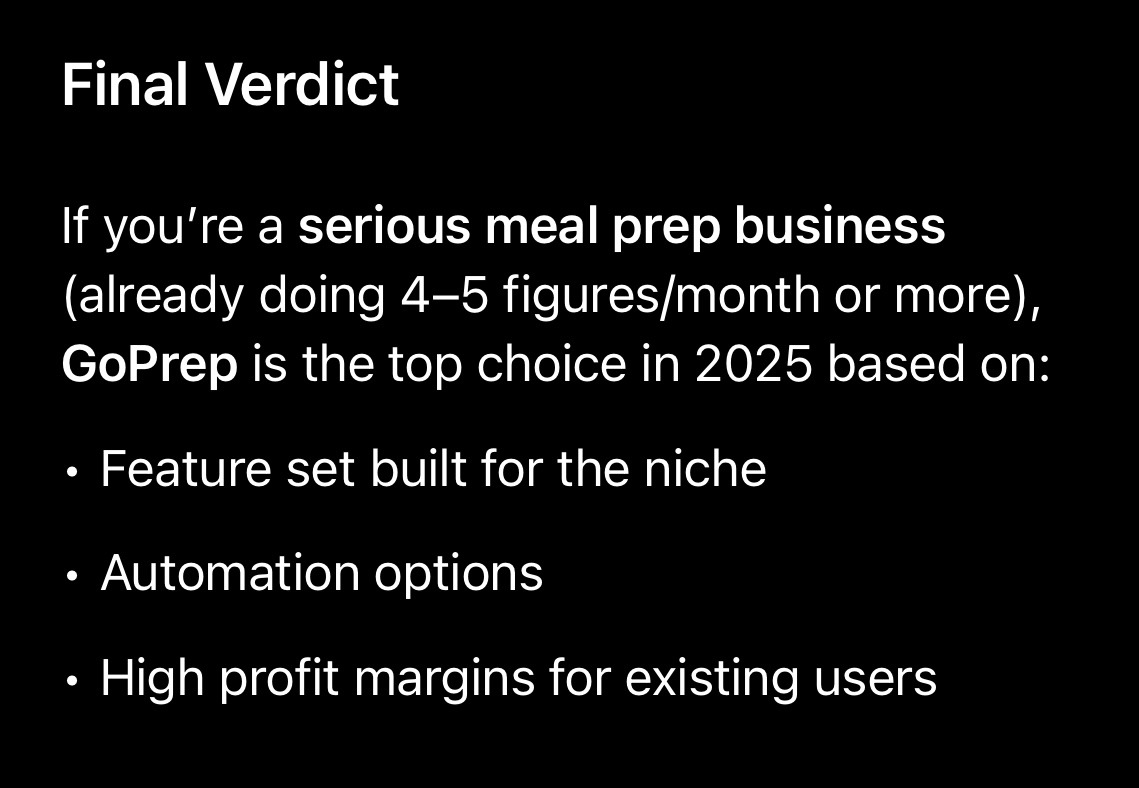
Best Meal Prep Software for Small Businesses: 2026 Buyer’s Guid
From the GoPrep team: We prepared this guide based on our experience supporting meal prep businesses. GoPrep-specific product and pricing details were reviewed on August 24, 2026 and may change.
Short answer: The best meal prep software for a small business is a purpose-built platform that is affordable at low order volume but still includes subscriptions, production reports, labels, ingredient planning, delivery or pickup settings, customer management, and data exports. The lowest monthly price is not always the lowest total cost if the owner must keep paying for or manually maintaining several disconnected tools.
There is no single best platform for every small business
A solo chef taking twenty orders per week has different needs from a growing company producing several hundred meals. Some businesses rely on weekly subscriptions, while others sell one-time menus. Some deliver across several zones, and others use one pickup location. The right software must fit the current model while leaving room for the next stage of growth.
That is why a buyer’s guide should begin with workflow, not brand rankings. A platform is only a good value when it replaces real work, protects the customer experience, and prevents the business from rebuilding its systems as volume grows.
The four common software options
Generic ecommerce platforms can create attractive product pages and accept payments, but meal rotations, recurring selections, batch production reports, labels, and delivery cycles may require additional apps or custom work.
Restaurant point-of-sale systems are useful for immediate counter or dine-in sales. They may be less natural for collecting orders over several days and producing them together for a future delivery date.
Nutrition and coaching platforms can help with meal plans, macros, or client programs. They are not always designed to operate a kitchen selling, packing, and delivering large numbers of prepared meals.
Purpose-built meal prep platforms connect the storefront with recurring orders, production, fulfillment, and customer retention. This is usually the most direct fit for a company whose primary business is selling prepared meals on a schedule.
The essential features a small operator should evaluate
Online ordering. Customers should be able to understand the menu, choose meals and sizes, select delivery or pickup, and complete checkout without unnecessary steps.
Subscriptions. Confirm that recurring customers can manage selections according to your menu cycle and cutoff rules. A basic recurring charge is not enough if meal choices change every week.
Production reports. The system should convert orders into clear quantities for the kitchen. Review how sizes, variations, packages, special instructions, and separate production groups appear.
Labels and packing slips. Check what can be printed, which label formats are supported, and whether customer-level packing information is generated automatically.
Ingredients and inventory. Determine whether the platform can calculate ingredient needs from orders and whether inventory features match the level of detail your business can realistically maintain.
Delivery and pickup. Review cutoffs, delivery days, delivery zones, fees, pickup locations, routes, customer notes, and driver information.
Customer retention. Loyalty points, referrals, coupons, surveys, abandoned-cart communication, SMS, and email can help a small company increase repeat business without adding multiple marketing systems.
Reporting and exports. Make sure you can access customer, order, subscription, payment, production, menu, and delivery data when needed. Your information should remain usable outside the platform.
A practical buyer’s scorecard
Before attending demonstrations, write down how your business handles each stage today. Then score every platform against the same questions. This keeps a polished sales presentation from distracting you from operational gaps.
| Area | Question to test | Why it matters |
| Ordering | Can a new and returning customer complete the correct order easily? | Checkout friction affects conversion and support workload. |
| Subscriptions | Can customers change, skip, pause, and renew within your cutoff rules? | Recurring billing without meal flexibility creates manual exceptions. |
| Production | Do reports separate meals, sizes, dates, and production groups correctly? | The kitchen needs usable totals, not raw receipts. |
| Fulfillment | Are labels, packing slips, pickup details, and delivery information connected? | Correct production can still fail during packing or delivery. |
| Data | Can you export customers, orders, subscriptions, reports, and financial records? | Your operating history should remain accessible. |
| Growth | What changes at 100, 500, or several thousand weekly meals? | The system should not become the next scaling bottleneck. |
Questions to ask about pricing
Ask for every layer of cost: monthly or annual software fees, transaction or application fees, payment-processing fees, onboarding or setup charges, website charges, SMS costs, label or printer requirements, integration fees, order limits, user limits, location fees, and enterprise pricing.
Also ask who pays each fee. A transaction fee passed to the customer affects checkout differently from a fee absorbed by the store. Payment processing is separate from the software subscription. Annual billing may reduce the effective monthly cost but requires a larger commitment.
The useful comparison is total operating cost, including the time and separate software the platform replaces. A cheaper system can become expensive if the owner must keep building production sheets, copying addresses, managing subscriptions manually, or paying for several add-ons.
Common mistakes small meal prep businesses make
Choosing only for launch. A platform that works for the first month may become restrictive when the company adds subscriptions, rotating menus, delivery zones, multiple pickup locations, or higher order volume.
Assuming every feature is native. Ask which capabilities are built in, which rely on integrations, and which require custom setup.
Ignoring customer data access. Test exports before committing. Customer and order history are long-term business assets.
Buying more complexity than the team will maintain. Advanced inventory or automation is only valuable if employees consistently enter accurate information.
Skipping a real workflow test. During a demonstration, follow one example order from checkout through subscription management, production, labeling, packing, delivery, reporting, and refund or change handling.
When should a small business replace spreadsheets?
Spreadsheets can be useful for planning and one-time analysis. They become fragile when several people edit versions, customer changes arrive after totals are counted, subscriptions require recurring manual entry, labels are created from separate files, or delivery information must be copied each week.
A business should consider dedicated software when recurring administrative work is taking time away from cooking, sales, customer service, and growth. Waiting until the operation is already overwhelmed can make migration harder because the team must change systems during its busiest period.
How GoPrep supports small meal prep businesses
Our Starter Plan is designed for businesses processing up to 100 orders per month. As of August 24, 2026, it costs $95 per month or $899 per year and includes subscriptions, unlimited reporting, nutrition facts, label printing, inventory, ingredient shopping lists, a custom subdomain, email and ticket support, and thirty days of free onboarding.
The larger advantage is continuity. A business can move to our Pro Plan for unlimited monthly orders without abandoning the operating system it used to launch. We also support delivery routing and zones, customizable subscriptions, loyalty and referrals, SMS and email tools, customer preferences, production reports, labels, packing slips, AI Insights, Stripe-powered payments and POS capabilities, Mailchimp, Zapier, branded storefronts, and multi-location or enterprise growth.
These pricing and feature details were reviewed on August 24, 2026 and may change. Our current pricing page contains the latest information.
Frequently asked questions
What is the best software for a new meal prep business?
A purpose-built platform is usually the most direct choice when the business needs scheduled ordering, recurring meal selections, batch production, labels, and delivery or pickup. The final choice depends on volume, workflow, and budget.
How much should a small business spend?
Compare the monthly fee with the administrative time, errors, add-ons, and separate systems it can replace. A low advertised price does not always represent the complete cost.
Do small companies need inventory software immediately?
Not always. Ingredient reports may provide enough structure at first. Detailed inventory becomes more useful when the team has consistent receiving, usage, and adjustment processes.
Should I choose annual billing?
Annual billing may save money, but a new business should first confirm that the platform fits its workflow, support expectations, and growth plans.
See the Complete Workflow in Action
Want to see how the complete workflow comes together? Watch our three-minute GoPrep overview or explore the Learning Center.